
All apps included
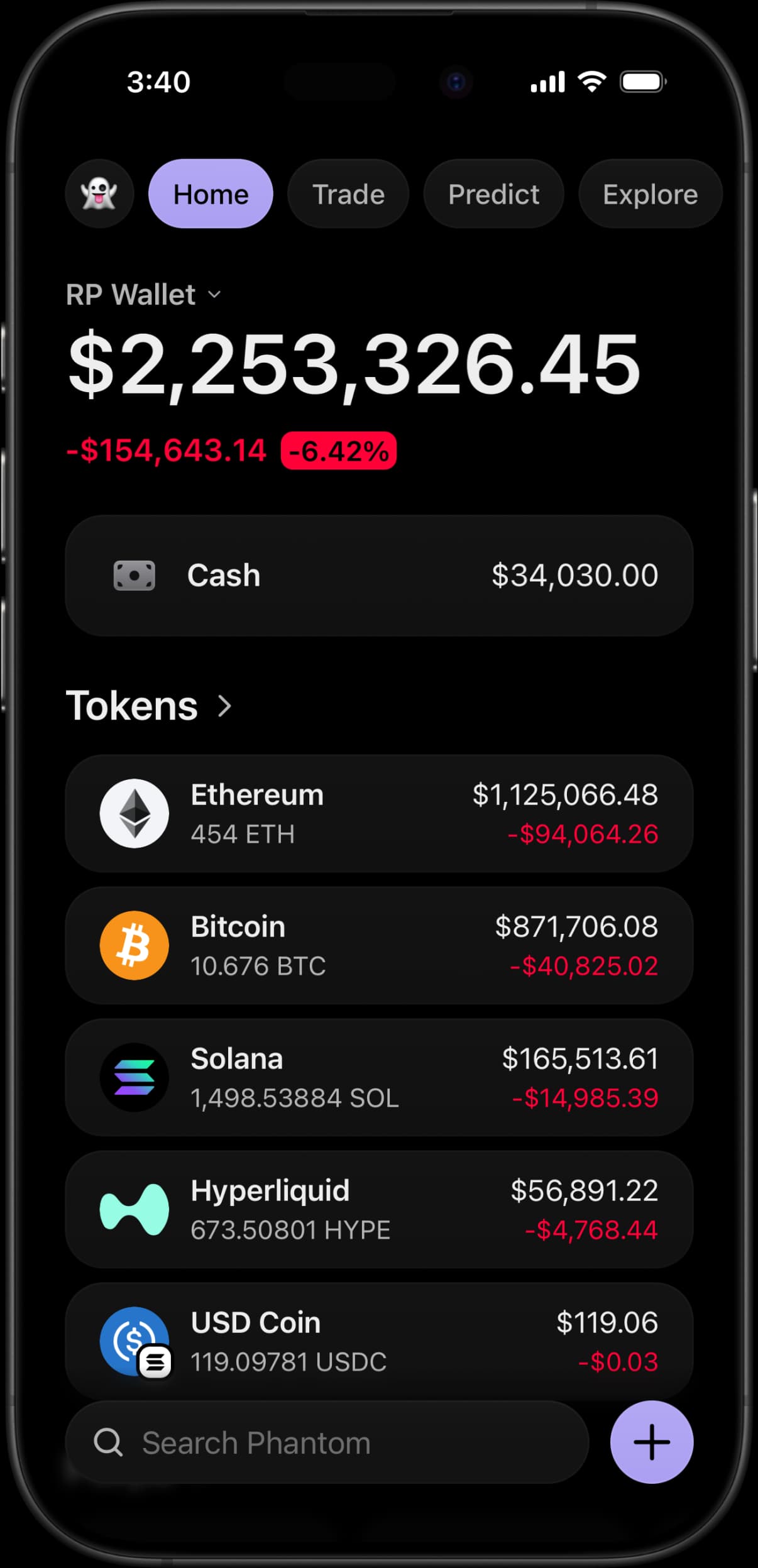
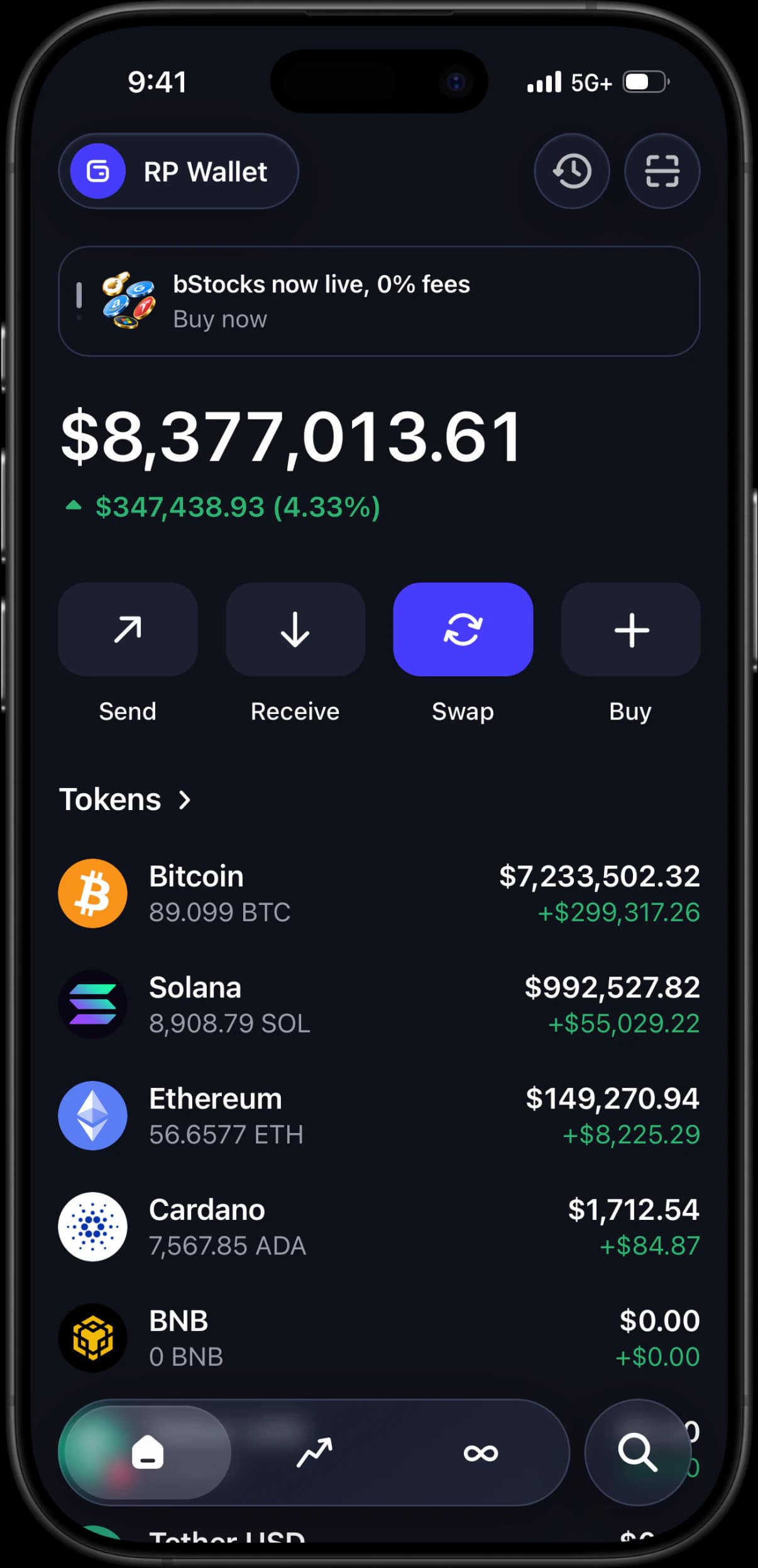
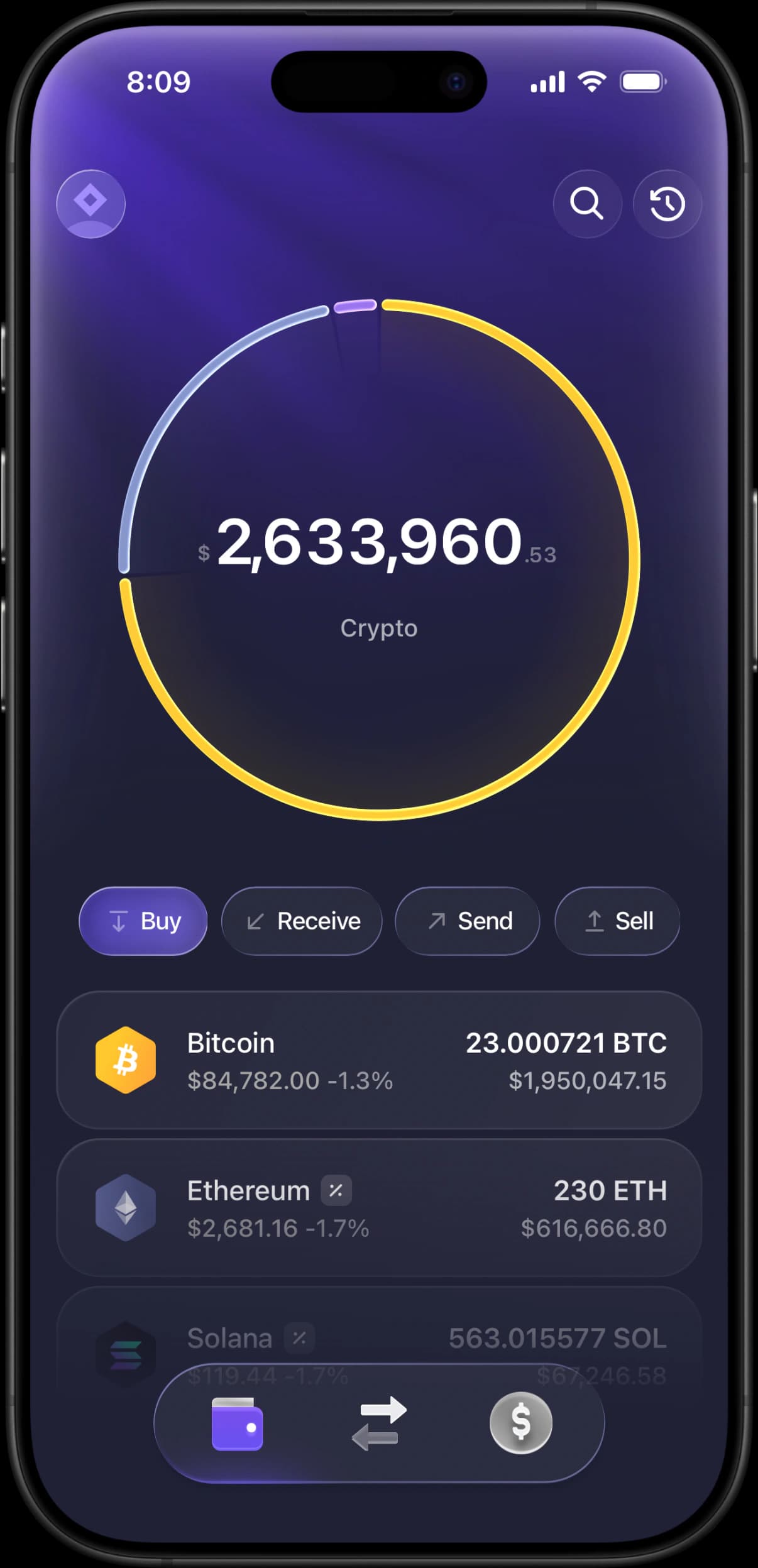
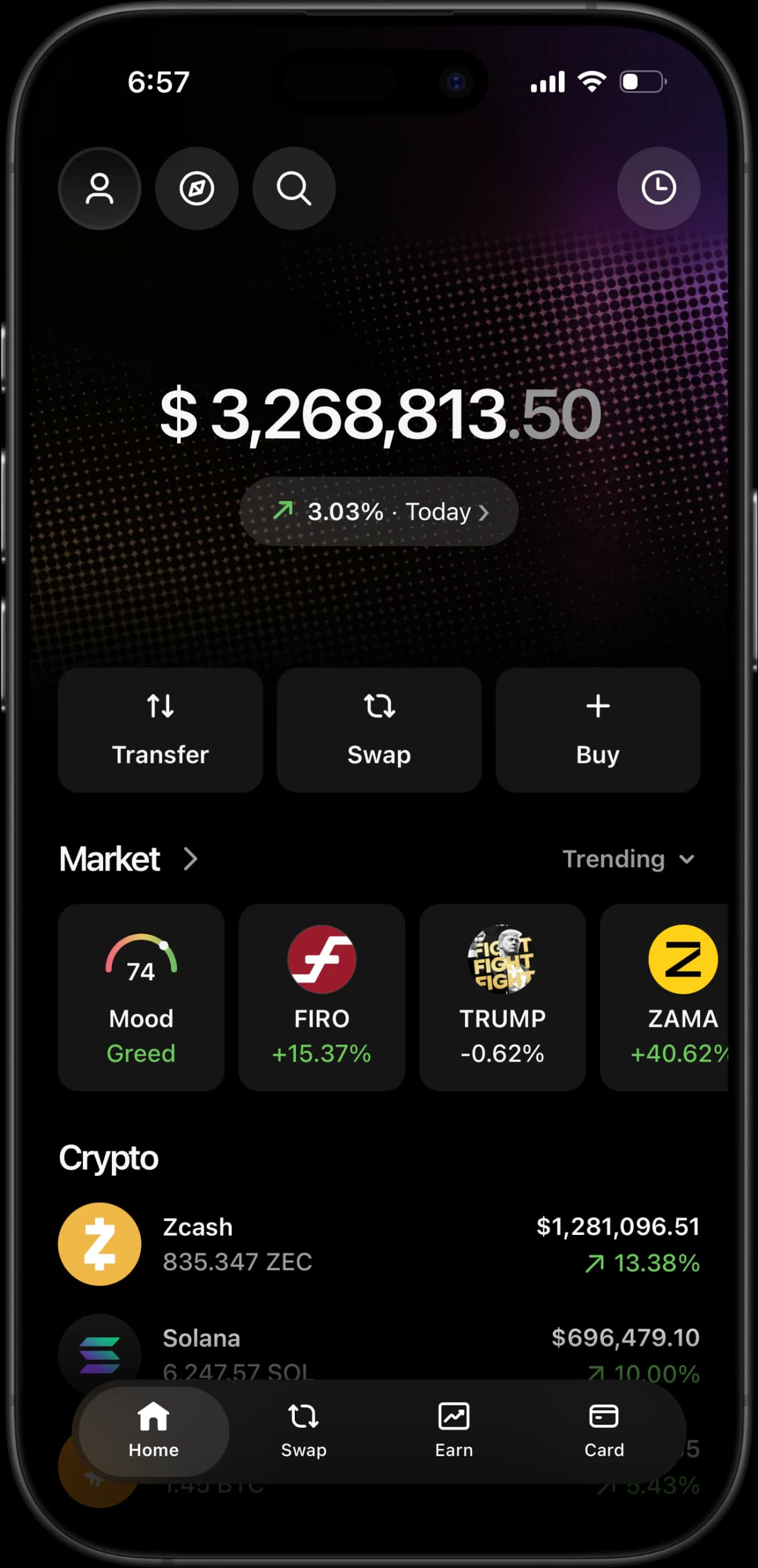
Switch between Phantom, Trust Wallet, Ledger, Exodus, Coinbase and Banking Larp Apps. Each has its own screens and visual style.
Custom balances and simulated transactions.
Use Phantom, Trust Wallet, Ledger, Exodus, Coinbase and Banking Larp Apps on iPhone or Android. Set custom balances, add tokens and record simulated transactions without using real funds.
Custom balances, tokens and transaction activity for your recordings.
Switch between Phantom, Trust Wallet, Ledger, Exodus, Coinbase and Banking Larp Apps. Each has its own screens and visual style.
Set the quantity of each token and check the portfolio total. Change your holdings whenever you need a different balance.
Add tokens, edit your holdings and view prices from live market data. The displayed total updates as prices change.
Open asset details, scroll through holdings and run simulated transfers. Record the sequence directly from your phone.
Install on iPhone from Safari or follow the Android steps in your dashboard. Launch the app from your Home Screen.
All balances and transactions are simulated. No seed phrase, wallet connection or real funds are needed.
Purchase, activate and install, or watch the full walkthrough.
Pick your access duration and device allowance below. Every pass includes all the wallet interfaces and Banking Larp Apps.
Complete checkout with crypto or card. Once payment is confirmed, copy your license key from the order page.
Open the dashboard, activate your key and choose an app. Follow the installation steps for your phone, then set your balances.
Every review comes from our Telegram Community. Join the group to read more or leave your own.
“Phantom is crazy close fr. The animations are working too”
“replied in like 30 seconds and sorted my key. w support”
“bro how are the animations this smooth wtf? feels like a real app”
“Key worked immediately, thanks g.”
“Damn this looks too clean, didn't expect trust to be 1:1 like this. u can use this as a vouch”
“u cooked on this update bro holy shit phantom and exodus are 1:1”
“fixed my issue in 2 mins bro, 10/10 support love u guys”
“like how does a web app feel 100% native with zero frame drops???”
“Yooo key activated smoothly. Everything works super clean, no issues at all thanks.”
“legit the only one in this whole telegram space that actually knows what hes doing”
“bro exodus is perfection holy shit ui is 1:1 down to the font”
“fast asf, paid and got access right away. appreciate it bro”
“u the goat bro, animations are butter smooth”
“The transaction history and balance animations are clean asf, just what I needed”
“support fast asf too answered my dm instantly”
Choose a package and pay with crypto or card.
Short term access
Full features unlocked
Best value for power users
Apps, access, installation and how the simulator works.
Instructions for setup, custom balances, token imports and screen recording.
Browse all 13 guidesChoose between Phantom, Trust Wallet, Exodus and Ledger Live-style LARP wallets by planning your scene, assets and on-screen interactions.
Start hereThe full walkthrough: pick the wallet interface that fits your story, get it on your phone, configure a clearly disclosed simulated portfolio, add supporting activity, and check the finished capture. Covers Phantom, Trust Wallet, Exodus and Ledger Live.
ContentPlan a fictional LARP wallet video with a simple shot list, consistent token quantities, a rehearsal and clear simulation labeling.
Balances & tokensSet a demo balance using the right units, save it, and check the portfolio total. Learn why asset quantity, cash value, visibility, and live prices differ.
Balances & tokensStep-by-step: search a token by name or symbol, import it into the wallet, upload your own logo when there is no listed image, and remove it afterwards. For memecoins, pre-launch tokens and anything with no market listing.
ContentStep-by-step: configure a simulated wallet, protect personal notifications, record clean vertical footage, and label the finished clip clearly for demos, education, or entertainment.
